Table of Contents ×
- 1 What Should You Consider Before Creating a YouTube Thumbnail?
- 1.1 1. YouTube Allows Custom Thumbnails, but Misleading Ones Can Violate Its Policies
- 1.2 2. YouTube Videos Can Also Appear in Google Search
- 1.3 3. Clickbait Is Not a Reliable Long-Term Strategy
- 1.4 4. Misleading Thumbnails Can Discourage Engagement
- 1.5 5. Clickbait Can Damage Your Brand’s Credibility
- 1.6 6. Clickbait May Generate Short-Term Views, but Revenue Is Not Guaranteed
- 2 How Do I Create Scroll-Stopping YouTube Thumbnails?
- 3 What Are the Best YouTube Thumbnail Tools?
- 4 Conclusion: Create YouTube Thumbnails That Attract the Right Viewers
- 5 Frequently Asked Questions About YouTube Thumbnails
I don’t have to be an expert at making YouTube videos to know that a good thumbnail can make or break a video’s performance.
I used to take this for granted. I focused on creating images that attracted attention, sometimes without thinking enough about whether they matched the video.
After all, what could be more important than getting more views?
That mindset is what makes clickbait tempting.
A clickbait thumbnail is designed to spark curiosity and encourage people to click, often by exaggerating or misrepresenting what the video contains.
While this approach can attract initial views, misleading thumbnails can frustrate viewers and damage trust.
I believe creators can get attention without making promises their videos cannot deliver.
What Should You Consider Before Creating a YouTube Thumbnail?
Before creating a clickbait YouTube thumbnail, consider whether it accurately represents your video, attracts the right audience, and supports your long-term channel goals. These six factors can help you decide which approach makes sense for your content.
1. YouTube Allows Custom Thumbnails, but Misleading Ones Can Violate Its Policies
YouTube allows creators to upload custom thumbnails, but that doesn’t mean every clickbait tactic is acceptable.
Thumbnails that mislead viewers about a video’s content can violate YouTube’s policies.
I recommend creating curiosity without misrepresenting what’s inside the video.
A compelling image should make viewers interested in the content, not trick them into clicking.
2. YouTube Videos Can Also Appear in Google Search
YouTube videos can appear in Google Search results, giving creators another opportunity to reach potential viewers.
Their visibility depends on factors such as relevance and ranking, not simply on whether the thumbnail attracts clicks.
That means your thumbnail should work alongside an accurate video title and useful content.
Misleading imagery may attract attention, but it doesn’t guarantee better search visibility.
3. Clickbait Is Not a Reliable Long-Term Strategy
Clickbait is not a reliable long-term strategy because attracting clicks doesn’t guarantee viewer satisfaction, subscriptions, or repeat visits.
A dramatic thumbnail might persuade someone to watch once. But if the video fails to deliver on its promise, that viewer may be less likely to return.
I recommend measuring success beyond views by reviewing audience retention, returning viewers, and other relevant channel metrics.
4. Misleading Thumbnails Can Discourage Engagement
Misleading thumbnails can discourage engagement when viewers feel that a video doesn’t deliver what they expected.
Viewers may leave early, choose not to subscribe, or decide not to watch similar videos from the same channel.
These outcomes aren’t guaranteed, but they illustrate why matching the thumbnail to the actual content matters.
Instead of relying on exaggeration, give viewers a clear reason to watch and a worthwhile experience once they click.
5. Clickbait Can Damage Your Brand’s Credibility
Clickbait can damage your brand’s credibility when it repeatedly creates expectations that your content doesn’t meet.
For businesses, this matters even more. A YouTube video may be a potential customer’s first interaction with your brand, so a misleading thumbnail can create the wrong impression before the video even begins.
I see trust as an important part of effective visual communication. Your thumbnail should attract attention while reinforcing the message and reputation you want your brand to build.
6. Clickbait May Generate Short-Term Views, but Revenue Is Not Guaranteed
Clickbait may attract short-term views, but it doesn’t guarantee higher advertising revenue or sustainable channel growth.
Revenue depends on several factors, including monetization eligibility, audience, video topic, and ad performance.
A spike in views alone doesn’t tell you whether a thumbnail is helping your channel achieve its goals.
Rather than chasing views at any cost, focus on attracting viewers who are genuinely interested in your content.
Great Videos Deserve Great Visuals! A compelling thumbnail can grab attention, but engaging video content is what keeps your audience watching.
How Do I Create Scroll-Stopping YouTube Thumbnails?
You can create scroll-stopping YouTube thumbnails by combining clear images, balanced colors, concise text, and relevant emotional cues. These techniques help your videos stand out without relying on misleading promises.
I’ve seen how visual choices can influence the way people interpret a message. The key is to make the thumbnail intriguing while keeping it consistent with the video’s actual content.
1. Use High-Resolution Images
High-resolution images help YouTube thumbnails look clear and professional across different screen sizes.
YouTube recommends using a 16:9 aspect ratio for standard video thumbnails and provides current technical requirements in its official thumbnail guidelines.
I recommend choosing a sharp image with one clear focal point, such as a person’s face, a product, or an object related to the video’s main idea.
Avoid adding so many elements that viewers struggle to understand the image at a glance.
Here’s an example YouTube video you can examine for its thumbnail and content.
Remember, image quality alone won’t make a thumbnail effective. The visual still needs to represent the video and give viewers a meaningful reason to click.
2. Balance Colors, Brightness, and Contrast
Balanced colors, brightness, and contrast help viewers distinguish the main subject from the background.
For example, a bright subject against a darker background can make the focal point easier to notice.
Meanwhile, colors that blend together may make important elements harder to recognize.
When I think about thumbnail design, I consider both visual appeal and clarity.
Color choices should support the mood of the video and fit the brand’s identity rather than simply make the image louder.
You can also study how creators use color and composition in this video:
3. Add Short, Intriguing Text
Short, intriguing text can give viewers additional context and encourage them to explore a video.
A few carefully chosen words are usually easier to read than a long sentence, especially on mobile screens.
The text should complement the image instead of repeating the entire video title.
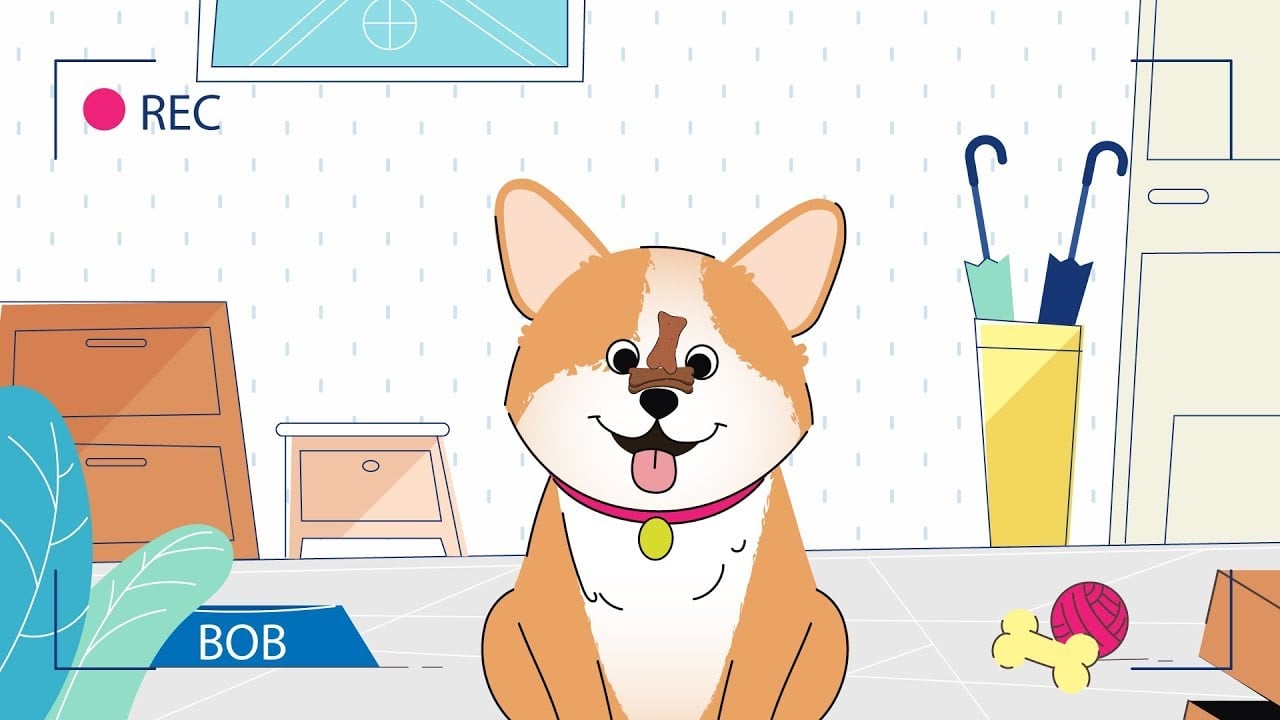
For example, a video about common mistakes could use a phrase like “Stop Doing This” alongside a visual showing the mistake. The wording creates curiosity, while the image provides context.
I recommend keeping the promise realistic. Dramatic wording may attract attention, but the video should deliver the answer or information viewers expect.
Here’s another YouTube thumbnail example to explore for ideas.

4. Use Emotions That Match the Video
Emotional expressions and visual cues can make a thumbnail more relatable and help communicate the video’s tone.
A surprised expression might suit a video revealing an unexpected result, while a confident expression could work for a tutorial or product demonstration. The emotion should make sense in context.
You don’t always need an exaggerated facial expression, either. An interesting object, a visual comparison, or a well-designed illustration can communicate the same idea.
I approach visual storytelling by asking what viewers should notice and feel first. When the image, text, and video topic work together, the thumbnail becomes more effective.
You can find more ideas in our guide to attention-grabbing techniques.
Make Your Story Impossible to Ignore! The right visuals can make complex ideas easier to understand and remember.
What Are the Best YouTube Thumbnail Tools?
The best YouTube thumbnail tools depend on whether you need to study existing thumbnails, create designs quickly, or edit images in greater detail. My best recommendations are Thumbnail Grabber Tools and Canva. Here’s why:
1. Thumbnail Grabber Tools
Thumbnail grabber tools let you view or save thumbnails from YouTube videos, depending on the tool.
They can help you examine your own published thumbnails or research how other creators present their content.
I find these tools useful for studying composition, color choices, and visual trends.
However, I recommend using other creators’ thumbnails as inspiration rather than copying their designs or reusing copyrighted images without permission.
2. Canva
Canva is a convenient option for creating YouTube thumbnails using templates, text, images, and basic design tools.
It’s particularly useful if you need to produce thumbnails quickly without using advanced image-editing software.
You can start with a template and customize the layout, colors, typography, and imagery to match your video and brand.
I recommend treating templates as a starting point rather than a finished solution.
A customized design that clearly communicates your video’s topic will be more useful than one that looks polished but feels generic.
Conclusion: Create YouTube Thumbnails That Attract the Right Viewers
At the end of the day, creating killer YouTube thumbnails is a part of your YouTube marketing effort.
Effective YouTube thumbnails combine visual appeal with an accurate representation of the video.
High-resolution images, balanced colors, concise text, and relevant emotional cues can help your content stand out without misleading viewers.
My advice is to focus on the audience you want to attract, not just the number of clicks you can generate.
Review your YouTube Analytics, test different thumbnail approaches when appropriate, and make sure your video delivers on the expectations your design creates.
At Breadnbeyond, we help businesses turn complex ideas into engaging videos through purposeful storytelling and animation.
If you want visuals that communicate your message clearly and make your content more engaging, explore our video packages and tell us about your project.
Frequently Asked Questions About YouTube Thumbnails
1. What makes a good YouTube thumbnail?
A good YouTube thumbnail is clear, visually appealing, easy to understand at a small size, and relevant to the video’s content. It should attract attention while setting accurate expectations.
2. Do clickbait thumbnails help get more views?
Clickbait thumbnails can attract initial clicks, but they don’t guarantee more views over time, stronger engagement, or higher revenue. Misleading thumbnails can also frustrate viewers and undermine trust.
3. What size should a YouTube thumbnail be?
YouTube recommends a 16:9 aspect ratio for standard video thumbnails. Check the official thumbnail requirements for current image dimensions, file formats, and size limits.
4. Can I change my YouTube thumbnail after publishing?
Yes. You can change a video’s thumbnail through YouTube Studio, subject to YouTube’s requirements. Review your video’s performance before making changes so you can assess whether the new design helps.
5. How can I tell if my YouTube thumbnail is effective?
Review impressions and click-through rate in YouTube Analytics, alongside watch time and audience retention. CTR helps you understand how often viewers click after seeing your thumbnail, while retention provides context about how they respond to the video itself.