Table of Contents ×
Everyone wants to create excellent explainer videos, the kind that educates and entertains thousands of people.
I’ve seen this firsthand working with clients who want their message to land with clarity and personality.
But most of the video ends up feeling flat. It explains the concept, sure, but it doesn’t pull you in.
It becomes a cardboard cutout instead of a compelling presentation.
Most people immediately blame the script. “Where’s the humor? Where’s the story?”
From my experience, the script is rarely the problem. It usually does its job.
The real issue is the music.
If the audio is generic, distracting, or simply doesn’t match the emotional intent of the message, the entire video loses its rhythm.
That’s why I always remind clients: music and audio design carry just as much weight as the visuals.
It shapes pacing, emotion, and how your audience absorbs information. When you get the sound right, the whole video comes alive.
Let’s discuss more about music for explainer videos and why it matters for your asset.
Why Music Matters for Explainer Videos?
Music is one of the simplest ways to add dimension to your explainer video. It brings color, rhythm, and emotion, transforming a flat sequence of visuals into something that feels alive.
From my experience, the right soundtrack doesn’t just sit in the background. Instead, it steers how your audience feels and how long they stay.
Here are a few reasons why music matters:
- It sets the emotional tone. Whether you want excitement, calm, or curiosity, music helps you shape the mood instantly.
- It enhances pacing. A fast track energizes your story, while a slower one makes space for deeper explanations.
- It keeps viewers engaged. I’ve seen viewers stay longer on videos with well-chosen background music simply because the experience feels more enjoyable.
- It supports your message. When we produce videos, we select tracks that reinforce the narrative.
- It makes your video feel professional. Good sound design signals quality. Your audience notices it, even if they can’t explain why.
If you want your explainer video to feel polished and memorable, treat music as a core element.
The right track brings your message to life and keeps your audience with you until the final frame.

What Are Licensing Models for Explainer Video Music?
When you add music to your explainer video, you’re using someone’s intellectual property, and that means you need the right license before you hit publish.
I always encourage clients to double-check music rights not only to avoid copyright issues but also to support the creators behind the tracks.
In general, you’ll encounter two main licensing models: royalty and royalty-free.
Royalty Music
Royalty music requires you to pay ongoing fees to use a copyrighted track.
In practice, this means you’re paying the composer, songwriter, or recording company each time the music is used based on the terms of their license.
It’s perfectly legal, just more complex and expensive because the payments continue over time.
Royalty Free Music
Royalty-free music, on the other hand, lets you use a track without paying repeated royalties.
You make a one-time purchase, and as long as you follow the license terms, you’re free to use it in your explainer video.
It’s straightforward, budget-friendly, and easy to source from online libraries.
Royalty-free tracks are usually the best option for you.
You don’t have to deal with complicated copyright rules or ongoing costs, and you can integrate the music into your project right away.
Of course, there’s also the premium route: commissioning custom music and sound effects explicitly tailored to your explainer.
It’s a great way to reinforce your brand identity and elevate the overall feel of the video, but it does come with a higher price tag.
If you’re working with a tight budget, royalty-free music is the most practical choice.
Where To Find Royalty-Free Music?
You can find royalty-free music on various online platforms that offer one-time licensing for commercial use. These libraries make it easy for you to browse, purchase, and download tracks without dealing with ongoing royalty payments.
If you plan to use royalty-free music, here are some reliable websites you can start with:
Premium Beat
PremiumBeat offers a digital library of curated, high-quality music across various genres (rock, pop, jazz, digital, etc.) to make your explainer video sound more professional and give it the polished feel of big production houses.
Their website features all tracks, including full songs, loop sets, and short clips (15 sec, 30 sec, and 60 sec), neatly categorized to make everything easy to search for, find, and buy.
AudioJungle
Audiojungle prices start at $10, depending on how much the artists charge for their work. With this price range, AudioJungle is recommended for an independent project.
Thousands of creative musicians choose to upload their music products to AudioJungle, making the music selection process for your corporate explainer video projects easier.
You can find both audio tracks and sound effects (SFX) of high quality on Audiojungle. Some audio tracks are made for looping, meaning a 2-minute track could be repeated for 10 minutes without noticeable gaps.
IBAudio
Most of IBAudio’s music is cut down into edits, ideal for video production. IBAudio provides a comprehensive licensing system that is perfect for use across all social media platforms.
It makes your video marketing campaign on social media (Facebook, YouTube, Twitter, Instagram, etc) much less of a long-term move because there won’t be copyright strikes breathing down your neck.
For long-term video production companies, IBAudio offers an unlimited access plan to its library.
What Are the Perfect Genres for Your Explainer Videos?
The best genres for explainer videos are the ones that support your message, guide the viewer’s mood, and keep the pacing smooth from start to finish.
Choosing the wrong genre can make an otherwise solid video feel dull or emotionally off, and I’ve seen this happen more often than you’d think.
Certain genres naturally lend themselves to explainer-style storytelling better than others, which is why many successful videos lean on familiar, steady, and approachable soundtracks.
To help you pick music that enhances your message and keeps viewers engaged, here’s a quick review of four genres that typically work well for explainer videos.
1. Lofi Electronica
SaaS companies love explainer videos. Since the software isn’t a tangible thing, you need to explain how it works so people understand it — and want to buy it.
SaaS explainer videos often cover complex topics, so the background music needs to keep things interesting without stealing the spotlight from the explanation.
There’s a variety of music genres that could play this role, but the tech industry has fallen in love with lo-fi electronic music. The bleeps and bloops of the keyboard make everything feel just space-age enough, while the pattern of the drum machine keeps the tempo from dragging.
HubSpot’s video on AI epitomizes this use case:

The synth keyboard bubbles along in the background as the narrator moves from AI’s history to its place in modern life. The music is relaxed, which makes a supremely complex topic feel accessible without coming across as corporate or boring.
This is the blueprint that most SaaS companies use in their explainer videos, and the approach just isn’t the same without that laid-back electronic music.
2. Jazz
At first glance, jazz might seem like an odd choice for this type of video. But this eclectic genre is used all the time in advertisements, so there’s no reason it can’t work here too.
Like any kind of music, it all depends on the context.
A jazz trio might be the perfect injection of energy for a short explainer that’s most concerned with grabbing the audience’s attention.
On the other hand, something on the cooler side, like a solo trumpet or discrete bassline, might work better as background support for a slower-paced video.
Spotify definitely took the upbeat route:
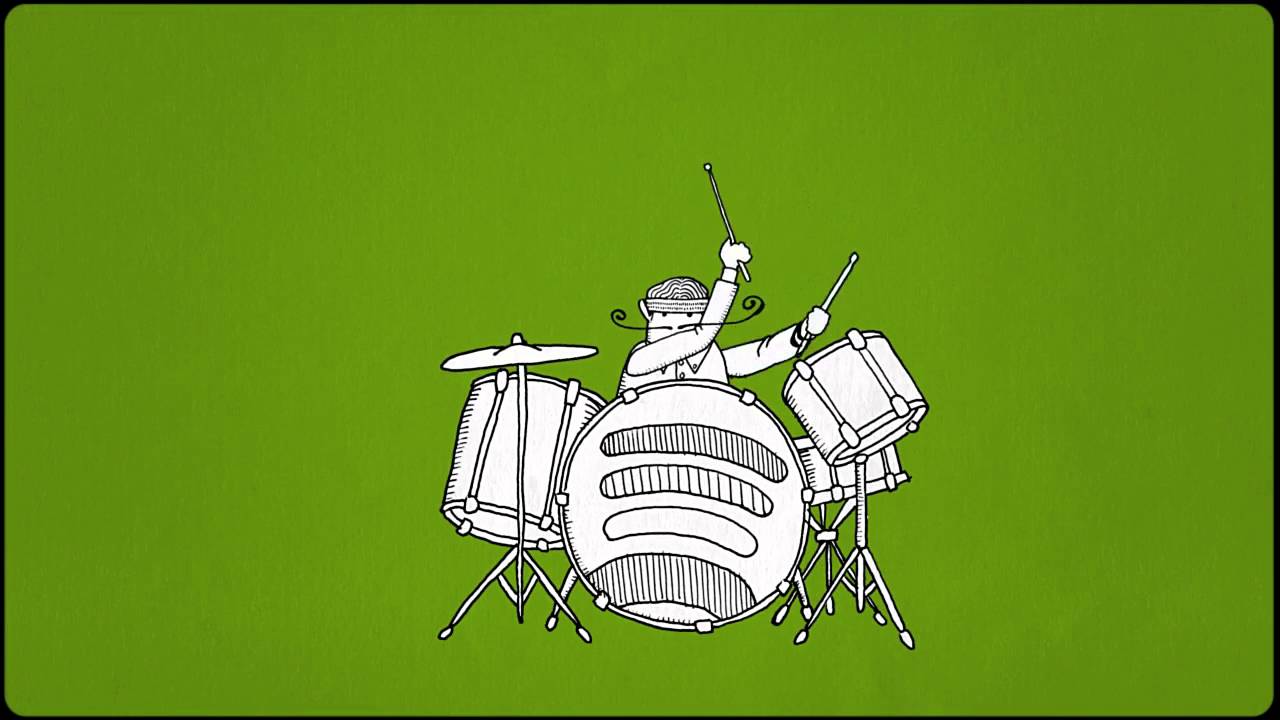
But when the text does appear on the screen, it’s in perfect harmony with the music for maximum impact.
With this style of jazz music, the explainer video simply becomes more interesting than whatever else is happening for the audience. So they watch and learn about Spotify.
3. Inspiring
Inspiring music is more of a mood than a genre, but I’ve included it because you’ll find it all the time in explainer videos.
The sound is a mix between a pop ballad, a soul tune, and an epic music score. Songs typically open with a single, distinct sound and then build to encompass a broader range of instruments and vocals.
The tone is comforting, rather than overly epic.
If it sounds dramatic, that’s because it is. Inspiring music works best when it’s paired with explainer videos that start with a problem and transition to a solution.
Here’s an example from Nike:

In this video, they use inspiring background music to match empowering scenes in the video. It is a motivational and inspirational track featuring a fast tempo and orchestral strings.
The tempo gradually gets faster as the video leads the viewer toward one final climax. This way, they can easily connect with the message and retain it hassle-free for a long time.
This problem/solution arc is a more dramatic take on explainer videos, but with the right music, it can be very effective. After all, people love a story with a satisfying resolution.
4. Indie Pop
Over the last decade, indie rock and pop music have become more than just acquaintances. The lines between the two genres have blurred, and they’ve grown into something like collaborators.
The resulting sound has become inescapable: jangling guitars, hand claps, and soaring choruses now abound in advertising. Whenever video producers want something down-to-earth but also uplifting, they typically choose indie pop.
Like water down a mountain, this trend has found its way to explainer videos as well. Check out this Pinterest video from the early days of the platform:
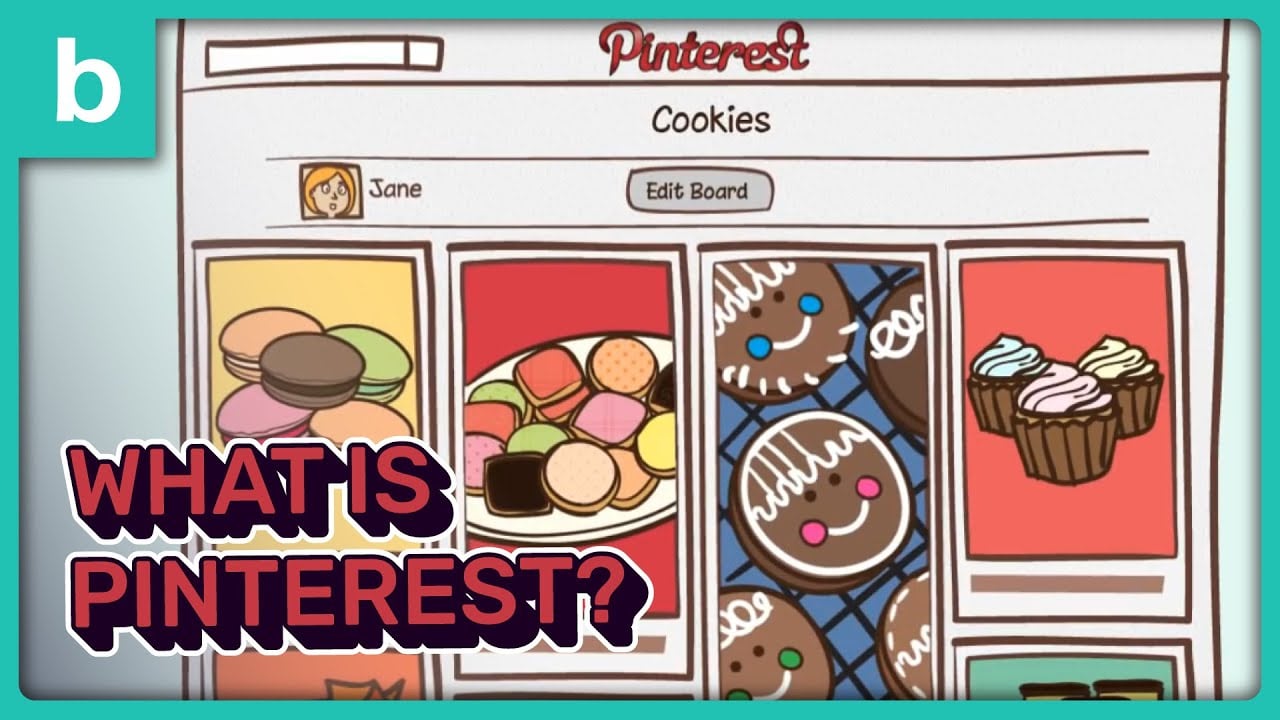
At 90 seconds, this animated video isn’t too long, so the music needs to keep pace. That makes it too fast for lo-fi electronica or inspiring music. (Plus the subject matter just isn’t that dramatic.)
The guitar-and-handclap combo keeps the tempo at a nice medium as the animation breezes through the history of scrapbooking and ties it to the idea behind Pinterest.
Indie pop is a broad genre, but the guitar-heavy variation typically works best for explainers’ videos, because it makes everything a little less corporate and a little more inviting, like a professor teaching class outside on the lawn.
If you’re making an explainer video and you’re worried about your soundtrack, try one of those four categories on for size, or maybe just call a white-label video service.
How To Blend Your Background Music Perfectly?
Using music in an explainer clip for web advertising can be very complicated; improper use of background music or an inappropriate track selection can reduce its value.
Even an experienced audio engineer can struggle to create the perfect mix of sounds for a video.
Note this: explainer videos are made to promote your business as well as their products or services. Everything should be built to make the message you want delivered through the script stand out more, including the songs.
The use of voice-overs
The most important of all is the voice-over, the component that works best in explaining how an app, product, or service.
For an explainer, make sure the music’s volume doesn’t conflict with the voice-over. Don’t mistake an explainer for a music video.
Voiceover is the most important sound element in your animated video. Keep the volume of your background music and sound low, but enough to add some flair and mood to the video.
Do not overuse music and sound effects on explainer videos.
Explainer video sample
Take a look at the example below, which shows how music should complement explainer video visuals without distracting viewers or harming their viewing experience.

Mini FAQs About Explainer Video Music
1. Can I use any music I find on the internet for my video?
No, you can’t use just any track you find online. Music is protected by copyright, which means you need explicit permission or the correct license before using it in your video. Even if a song is easy to download or appears on YouTube, it doesn’t mean it’s free to use. Always rely on licensed or royalty-free music libraries, where you know exactly what you’re allowed to do with the track.
2. Do I need to credit the creator when using royalty-free music?
It depends on the license. Many royalty-free libraries don’t require attribution at all, so you pay once, download the track, and use it freely in your explainer video. But some free or Creative Commons–based tracks do require you to credit the composer in a specific format. My rule of thumb: always check the license terms on the download page. If credit is required, it’s usually stated clearly. If you want to avoid giving credit altogether, choose a platform that offers attribution-free licensing.
3. How do I choose the right genre for my explainer?
Start by thinking about the emotion you want your audience to feel. The best approach is to match the pacing of the music to the pacing of the script. If your script moves fast, choose a lively genre; if it’s calm and thoughtful, pick something more minimal. The right genre should support your message, not distract from it.
4. Is custom music worth the investment?
Custom music can be a powerful choice if you want your video to feel unique and tightly aligned with your brand. For most explainer videos, royalty-free tracks are perfectly sufficient. I usually recommend custom music only when the project needs a distinctive sound or when you want your content to stand out in a very competitive industry.
5. How do I make background music not overpower my voiceover?
The key is proper audio mixing. When we produce videos, we always start by adjusting the music level so it sits comfortably behind the narration. A good rule is to keep the music volume significantly lower than the voiceover and reduce any frequencies that clash with the human voice, especially in the mid-range.
At Breadnbeyond, we offer a wide range of animated explainer video packages that are tailored to boost your company’s sales in the next campaign.
Get instant estimation for your next video project by clicking the banner below!