Table of Contents ×
- 1 How Do Explainer Videos Work in Every Stage of the SaaS Funnel?
- 1.1 #1. Awareness stage: grabbing attention in the first 3 seconds
- 1.2 #2. Consideration stage: explaining how you actually solve the problem
- 1.3 #3. Decision stage: removing the last doubts before sign-up
- 1.4 #4. Onboarding stage: turning new users into active ones
- 1.5 #5. Retention stage: deepening usage and reducing churn
- 2 How to Map Your Explainer Video for the SaaS Funnel?
- 3 Mini FAQs About Explainer Videos on the SaaS Funnel
Use explainer videos at every stage of your SaaS funnel to turn curious visitors into loyal customers. The right video at the right moment boosts understanding, trust, and conversions.
The SaaS funnel gets talked about nonstop, yet I keep seeing teams make the same mistake: using one explainer video everywhere. Homepage, pricing page, onboarding email. So it’s the same video, same message.
That’s a problem. I found a study of 1,200+ SaaS landing pages that found strategic video use boosted signups by 127%, but only when the right video matched the right stage.
In this guide, I’ll break down which video works best at each stage of the funnel, and how to stop losing recurring revenue with one-size-fits-all content.
How Do Explainer Videos Work in Every Stage of the SaaS Funnel?
Explainer videos can work at every stage of the SaaS funnel, but only if the right video shows up at the right moment.
The five stages I focus on are:
- Awareness
- Consideration
- Decision
- Onboarding, and
- Retention.
Miss one, and the whole funnel suffers. Weak Awareness means no one enters. Weak Onboarding means customers leave before they see the value. 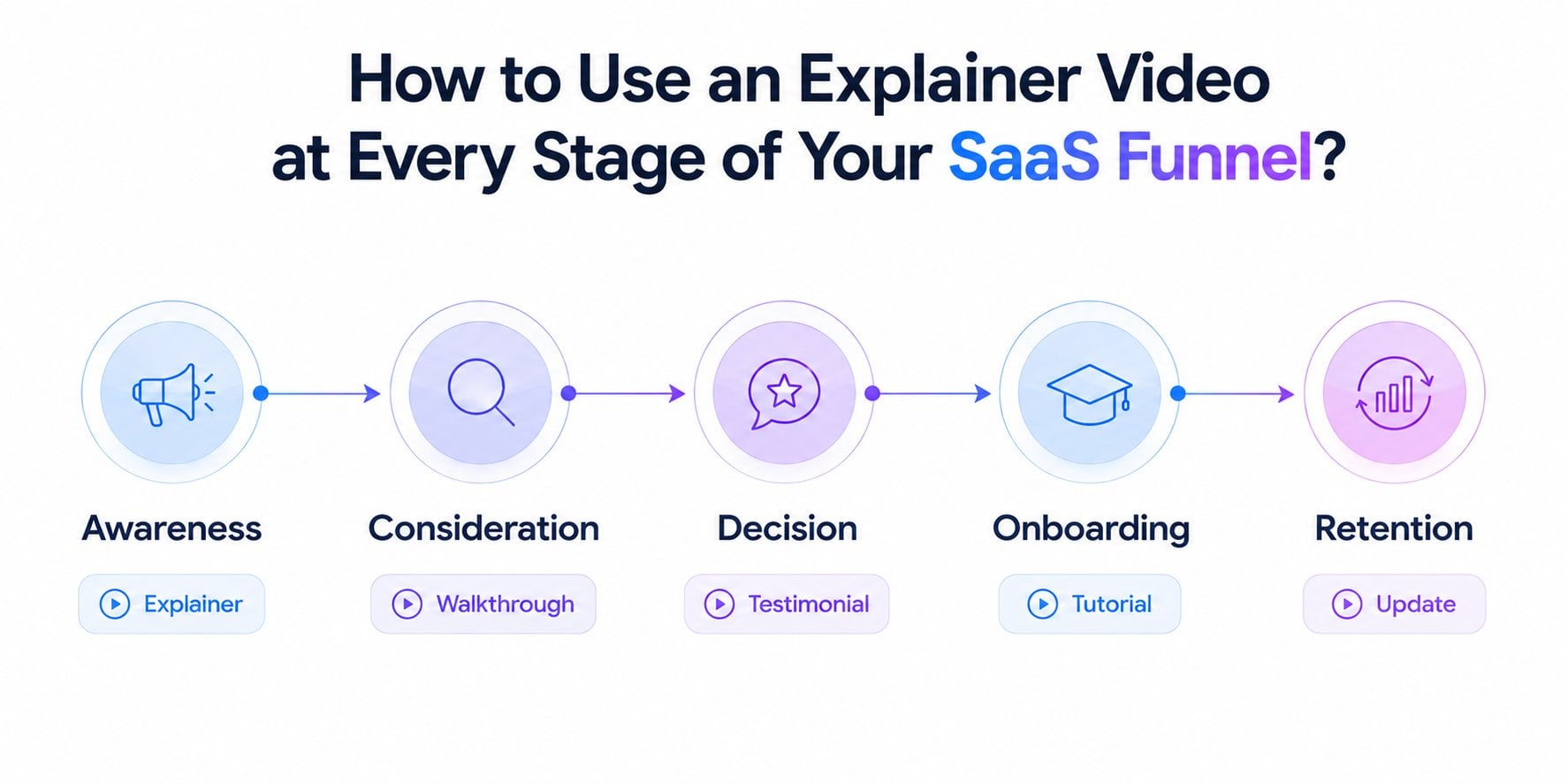 I’ve also put together a deeper SaaS video guide for 2026 if you want to explore further. For now, let’s break down which video types actually work at each stage, starting with where most prospects first discover you.
#1. Awareness stage: grabbing attention in the first 3 seconds
At this stage, your prospect does not know you exist.
They are scrolling a feed, watching YouTube, or searching for answers to a problem they can barely articulate.
Your video has one job: to stop the scroll and make them feel seen.
This is not the place for a product demo. It is not even the place for your logo.
The video that wins at Awareness speaks entirely in their language, names the pain they feel every day, and ends with just enough curiosity to make them want more.
Keep it punchy, emotion-first, and platform-native.
Formats that work best at this stage:
- Short-form social videos (15–60 seconds)
- Problem-agitation clips
- Brand anthem videos
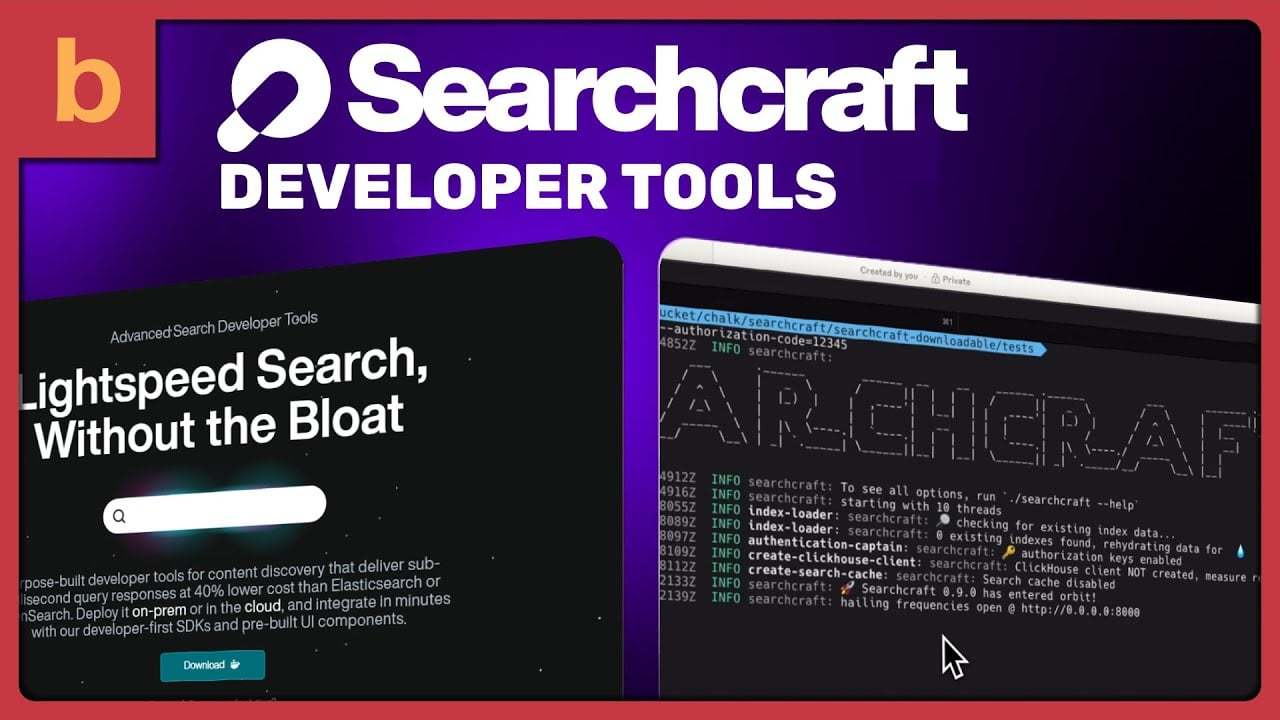
A strong real-world example is our Modern Kinetic Typography Animation for SaaS for Searchcraft.
In less than a minute, the video targets the core challenge every modern developer and SaaS creator faces.
It kicks off with the pressures of the new era of search, where speed is an absolute advantage and relevance directly dictates your growth.
Then Searchcraft steps in as the high-performance solution, purpose-built in Rust for ultimate scale.
The video relies on bold, sleek kinetic typography and futuristic animations to match its technical promise, moving at a relentless pace that perfectly mirrors the product’s sub-millisecond response time.
No lengthy tutorials or complex dashboards.
It simply presents a visually captivating blueprint of developer tools, highlighting lower infrastructure costs and effortless deployment options, before closing with a sharp, actionable conclusion.
Fifty-six seconds. That is the consideration-stage product showcase working exactly as it should.
#2. Consideration stage: explaining how you actually solve the problem
By this stage, the prospect knows they have a problem and is actively looking for solutions.
They have found you through an ad, a Google search, or a referral, and they are now on your site, sizing you up against two or three competitors.
This is where the classic 90-second explainer earns its reputation.
Your video needs to answer how your product solves this specific problem, and why your approach works better than the alternative.
Animation works well at this stage because it can simplify complex workflows that would look messy in a live screen recording.
Formats that perform best at this stage:
- Classic explainer video (60–120 seconds)
- Product overview videos
- Comparison landing page videos

A strong consideration-stage example is HubSpot’s Customer Platform explainer video.
In under a minute, the video moves through exactly the right structure.
It opens by establishing the unified platform concept, shifts into how the AI-powered CRM transforms team workflows, and closes with a clear on-ramp.
Did you notice what it is not doing? It is not trying to impress a cold audience with a brand story, and it is not deep enough to replace a sales video.
It sits squarely in the middle, explaining the mechanism clearly enough that a prospect who has already felt the pain of disconnected customer tools can now see exactly how HubSpot solves it.
#3. Decision stage: removing the last doubts before sign-up
I believe that the Decision stage is the most critical stage in the funnel.
Here, your prospect has done the research, understands what you do, and is ready to commit, but something is holding them back.
It might be uncertainty about setup time, doubts about whether it fits their specific workflow, or a simple fear of making the wrong call.
At this stage, the video does not need to be exciting, but must be reassuring.
Show them exactly what it looks like to use your product as someone like them, same industry, same team size, same use case, if possible.
Specificity is everything here. A generic product overview will not close the gap.
Place your videos where hesitation lives, such as next to the pricing table, beside the CTA button, or inside the sales follow-up email.
Formats that convert best at this stage:
- Use-case demo videos
- Persona-specific walkthroughs
- Testimonial microclips (20–30 seconds) embedded on the pricing page or trial sign-up screen
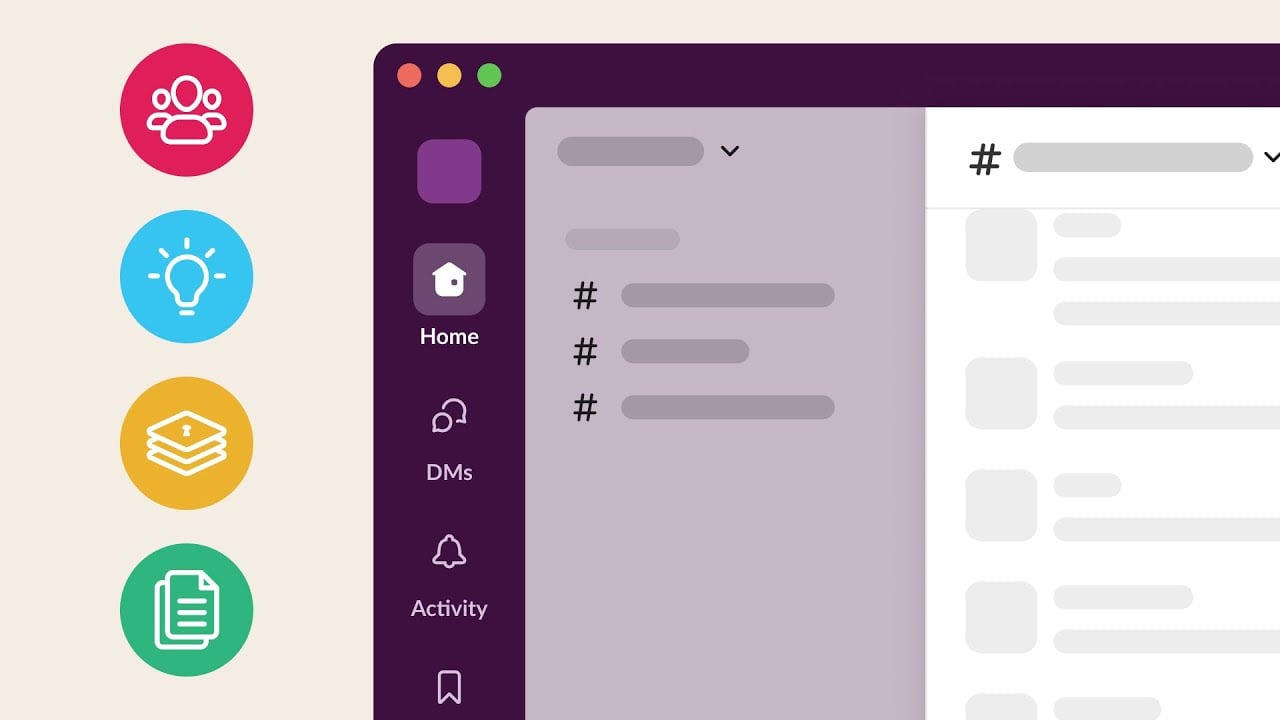
A strong decision-stage example is Slack’s “Close Deals Faster in Slack.”
Rather than making a broad claim about what Slack can do, the video narrows its focus entirely to one persona, which is sales teams.
The explainer video walks through exactly how Slack speeds up deal cycles, strengthens customer relationships, and keeps the entire team aligned from first contact to close.
It shows Slack integrated with Salesforce, deal approvals automated inside channels, and account teams looping in legal and finance without ever leaving the platform.
That specificity is what makes it a decision-stage video.
#4. Onboarding stage: turning new users into active ones
I always remind my SaaS clients that signing up is not the finish line. It is the starting gun.
The moment someone creates an account, a clock starts ticking.
If they do not reach a meaningful outcome within the first session or two, they will quietly stop logging in.
Most SaaS churn happens in the first two weeks, when a new user opens the product, feels overwhelmed, and never comes back.
In this stage, your onboarding video must get them to their first win as fast as possible.
Not a tour of every feature. A single, focused walkthrough that shows them how to complete the one action that delivers immediate value.
If your product serves different types of users (e.g., marketers and developers), segment the videos by persona.
A marketer and a developer have different definitions of a first win, and a generic walkthrough will feel irrelevant to both.
Formats that work best at this stage:
- Step-by-step walkthrough videos (under 90 seconds each)
- First-win tutorials
- In-app welcome videos triggered at account creation
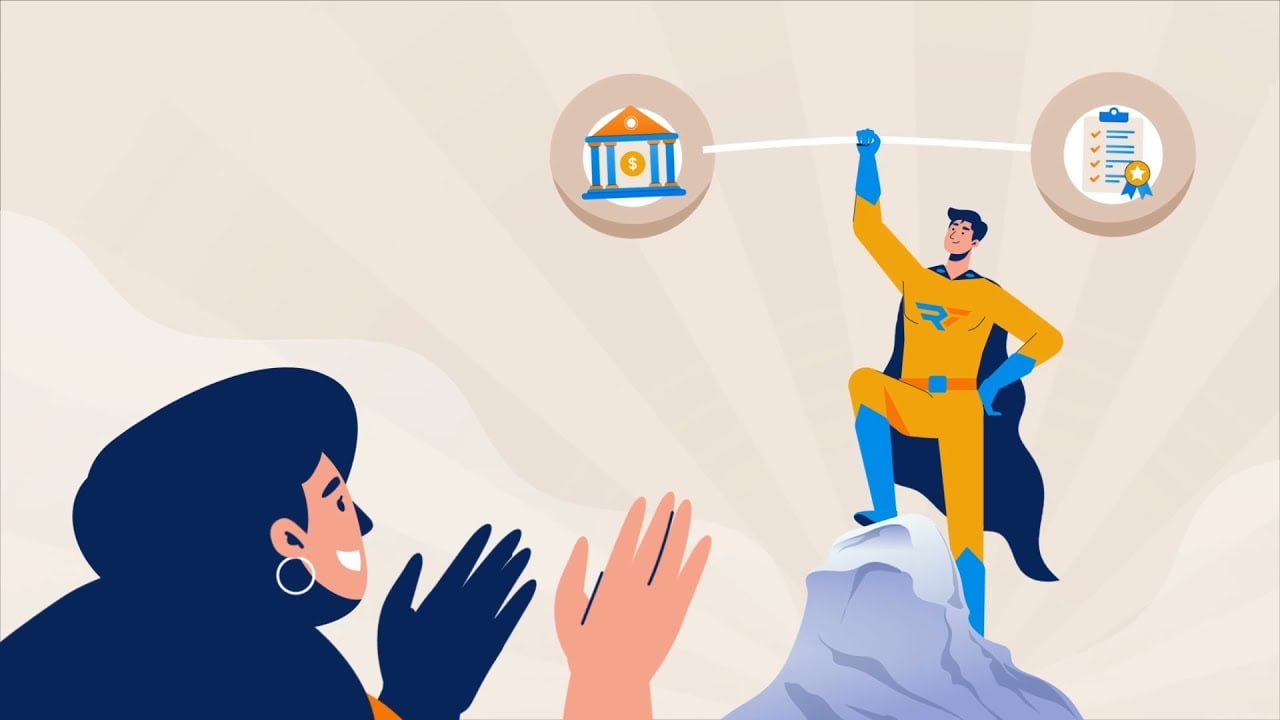
Another production by our team is the Customer Onboarding Video for Results Technology.
The video tackles the high-stakes anxiety felt by community banks facing strict IT security compliance audits.
It starts with the common friction point faced by smaller banks.
Then, Results Technology steps into the frame with Invicta, a tailored platform that delivers enterprise-grade protection at a manageable scale.
The animation uses a friendly, character-driven style featuring a reassuring “superhero” metaphor to break down technical details, like behavioral analysis, automatic alerting, and compliance reporting.
The pacing is balanced, making complex regulatory terms feel highly approachable to a fresh customer getting started.
No hyper-technical deep dives into code, no high-pressure sales pitches.
We designed it as a comforting guide that reassures new clients they made the right choice by showing them exactly how the tool works in tandem with their existing team to handle audits smoothly.
#5. Retention stage: deepening usage and reducing churn
Retention is where most video strategies stop entirely, and that is exactly why it is an opportunity.
Your active users already trust you. They are not evaluating you against competitors.
They are simply using the parts of your product they know, while quietly ignoring the features that could make them far more reliant on you.
Your retention video does not need to sell. It needs to surface the value the user has not discovered yet.
The goal is to make them feel like they are getting smarter every month they stay subscribed, because users who keep learning keep paying.
Outcome-first framing turns a product update into a reason to go back into the product.
Formats that perform best at this stage:
- Feature spotlight videos (1–3 minutes)
- Release notes videos
- Advanced tutorial series
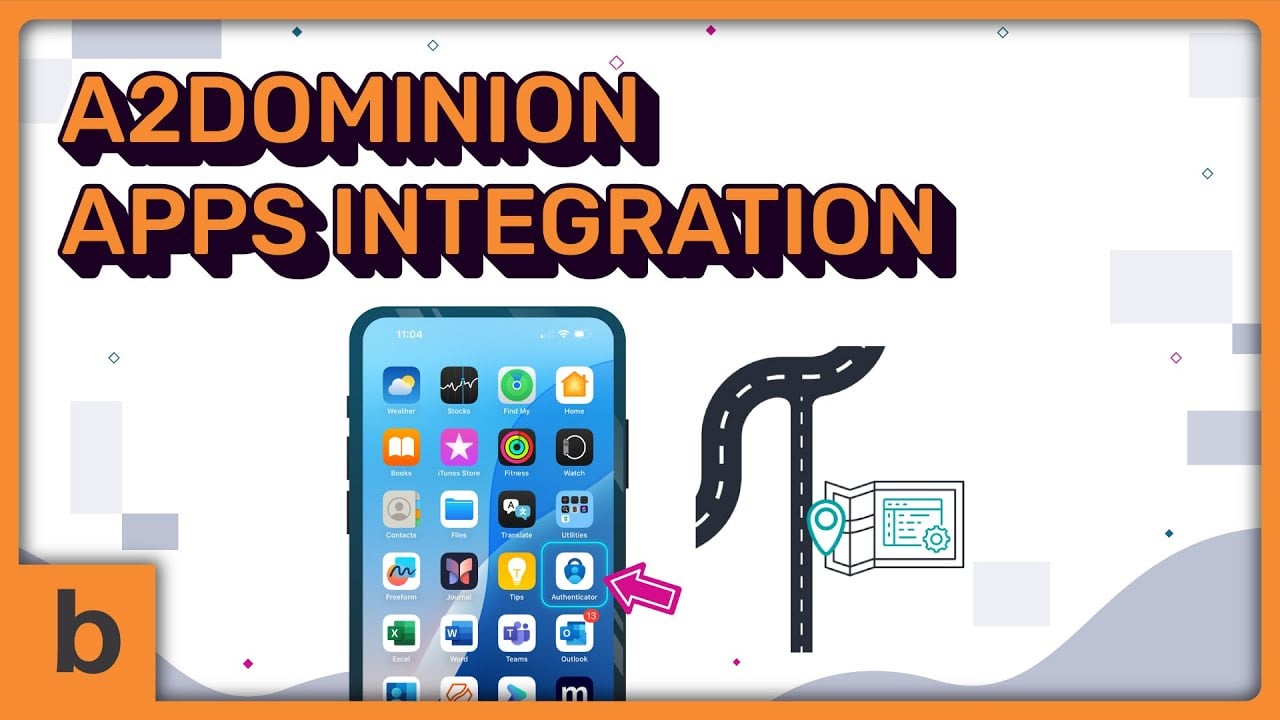
Our team also produced a textbook example of how to drive customer retention in the SaaS funnel with this SaaS Apps Integration Explainer Video for A2Dominion.
Major platform updates or workflow changes often trigger friction and user drop-off.
Our explainer proactively eliminates that risk during a critical transition.
It ensures users don’t feel lost or frustrated by replacing technical anxiety with a clear, step-by-step visual map of the new integrated ecosystem.
We used a clean, structured animation style and a supportive tone to guide users through app authentication and file access.
It skips the technical jargon and focuses entirely on making the transition effortless.
It serves as the ideal formula for keeping your existing SaaS users confident, engaged, and loyal for the long haul.
How to Map Your Explainer Video for the SaaS Funnel?
Most SaaS teams treat explainer videos as a single asset.
They produce one, place it everywhere, and wonder why it stops converting past the homepage.
The reason is that every stage of your funnel is a different conversation, and a video built for one conversation will fail at another.
When you match the right video to the right moment, the results compound.
You attract more qualified prospects, convert them faster, retain them longer, and build a customer base that grows without endlessly increasing your ad spend.
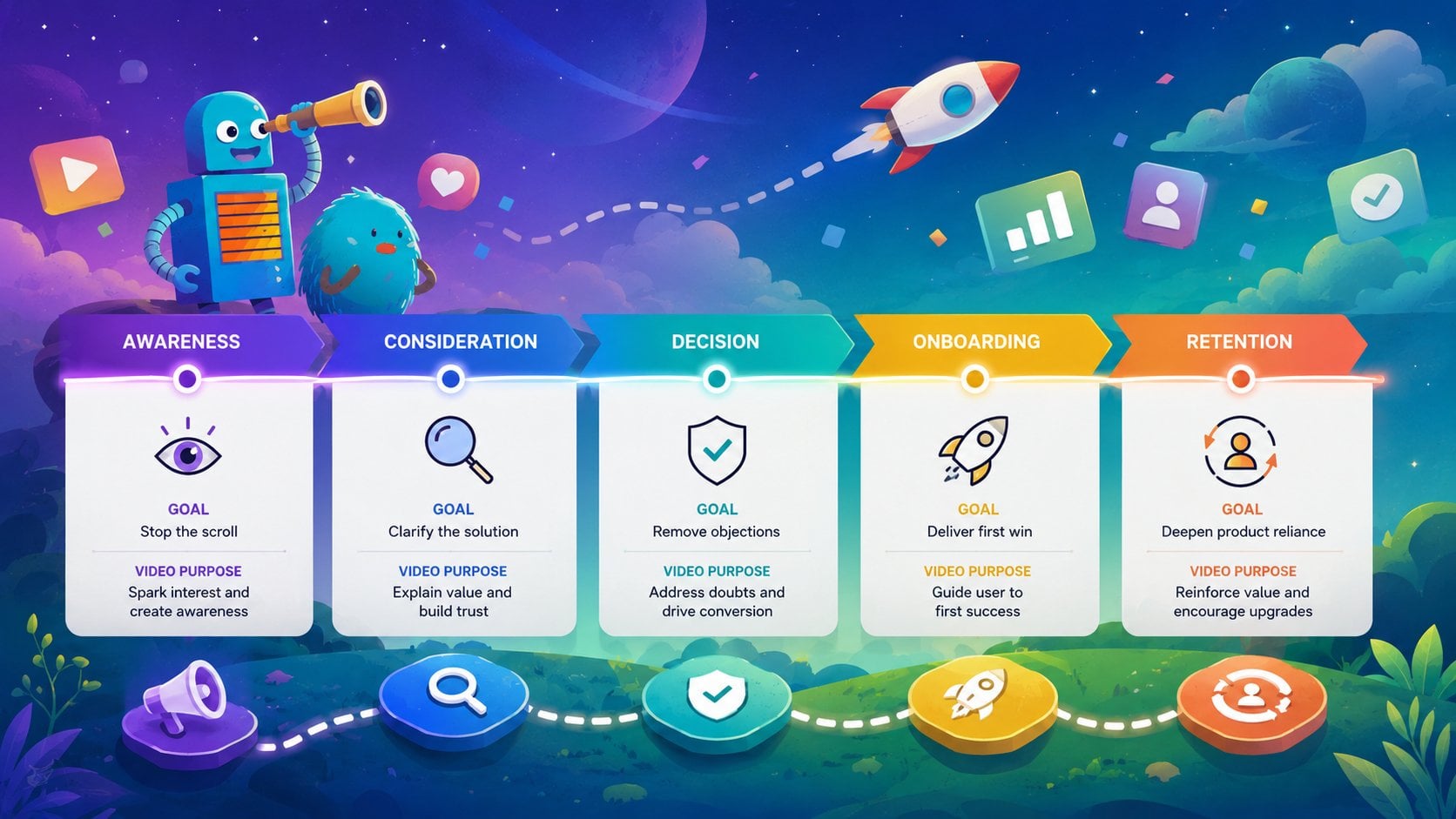
Shortly, here is what that looks like in practice:
- Awareness: short-form social and problem-agitation clips that stop the scroll
- Consideration: a classic 60–120 second explainer that makes your solution crystal clear
- Decision: use-case demos and testimonial microclips that remove the last objection
- Onboarding: first-win tutorials that get new users to value before they drift away
- Retention: feature spotlights and advanced tutorials that deepen reliance and reduce churn
The SaaS companies winning on video are not necessarily producing more of it. They are producing it with more intention.
Each video has a defined stage, a defined audience, and a defined job to do. That discipline is what separates a content library from a conversion engine.
Start with the stage where you are losing the most prospects right now. Close that gap first, then build outward.
Mini FAQs About Explainer Videos on the SaaS Funnel
Do I really need a different explainer video for each funnel stage?
Not necessarily one video per stage from day one, but you do need a different purpose for each stage. A single video cannot simultaneously spark curiosity in a cold prospect and reassure a buyer who is ready to commit. Those are opposite jobs. Start by identifying which stage is costing you the most conversions, build the right video for that stage first, and expand from there.
How long should a SaaS explainer video be?
It depends on the stage. Awareness videos should be 15–60 seconds. Make it long enough to land the pain point, short enough to hold attention on a feed. Consideration explainers perform best at 60–120 seconds. Decision-stage demos can run 2–5 minutes because the viewer is already invested. Onboarding walkthroughs should stay under 90 seconds per step. Retention spotlights work best between 1 and 3 minutes.
What is the most important stage to get right first?
I’d say the Decision stage. It sits at the highest point of intent in the funnel. Your prospect already wants a solution and has found you. Losing them here is the most expensive mistake you can make because you have already paid to acquire them through every earlier stage. A well-placed demo video or testimonial microclip at the Decision stage often delivers the highest ROI of any video investment in the funnel.
Can I use animation for every stage, or does it only work for certain videos?
Animation works across all five stages, but it earns its keep most at the Consideration stage, where it can simplify complex workflows that would look cluttered in a live screen recording. At the Decision and Onboarding stages, screen recordings or live product walkthroughs often convert better because they show the actual product experience, which is exactly what a hesitant buyer or a new user needs to see.
How do I measure whether my explainer video is working at each stage?
Each stage has its own success metric. At Awareness, track the view-through rate and click-through rate. At Consideration, track time on the page and demo requests. At Decision, track conversion rate on pages where the video is placed. At Onboarding, track feature adoption and time-to-first-value. At Retention, track login frequency, feature usage depth, and churn rate among users who engaged with the video versus those who did not. If you are measuring every video by views alone, you are flying blind.
How much should a SaaS company budget for explainer videos across the funnel?
There is no universal number, but a practical starting point is to prioritize budget by funnel impact rather than production quality. A high-converting Decision-stage video shot on a modest budget will outperform a beautifully animated Awareness video that never reaches the right audience. As a rule, allocate more to the stages where your current drop-off is steepest. Once you have validated what works, invest in production quality to amplify the results.
Breadnbeyond can be your partner to create tailored explainer videos for the SaaS funnel. You can check our pricing and packages info or try our cost calculator to get an estimation on your SaaS project!