
When I help SaaS teams choose between animation and screen recording, I look at what the video needs to accomplish first. Both can work well, but the right choice depends on the product, audience, and where the video fits in the customer journey.
I also consider practical factors such as compliance, sensitive data, and how often the product interface changes. These details can affect what makes sense for a product demo.
I hope this article gives you a clearer way to make that choice, especially if you’re unsure which format will work best for your product.
What’s the Difference Between an Animated Explainer and a Screen Recording?
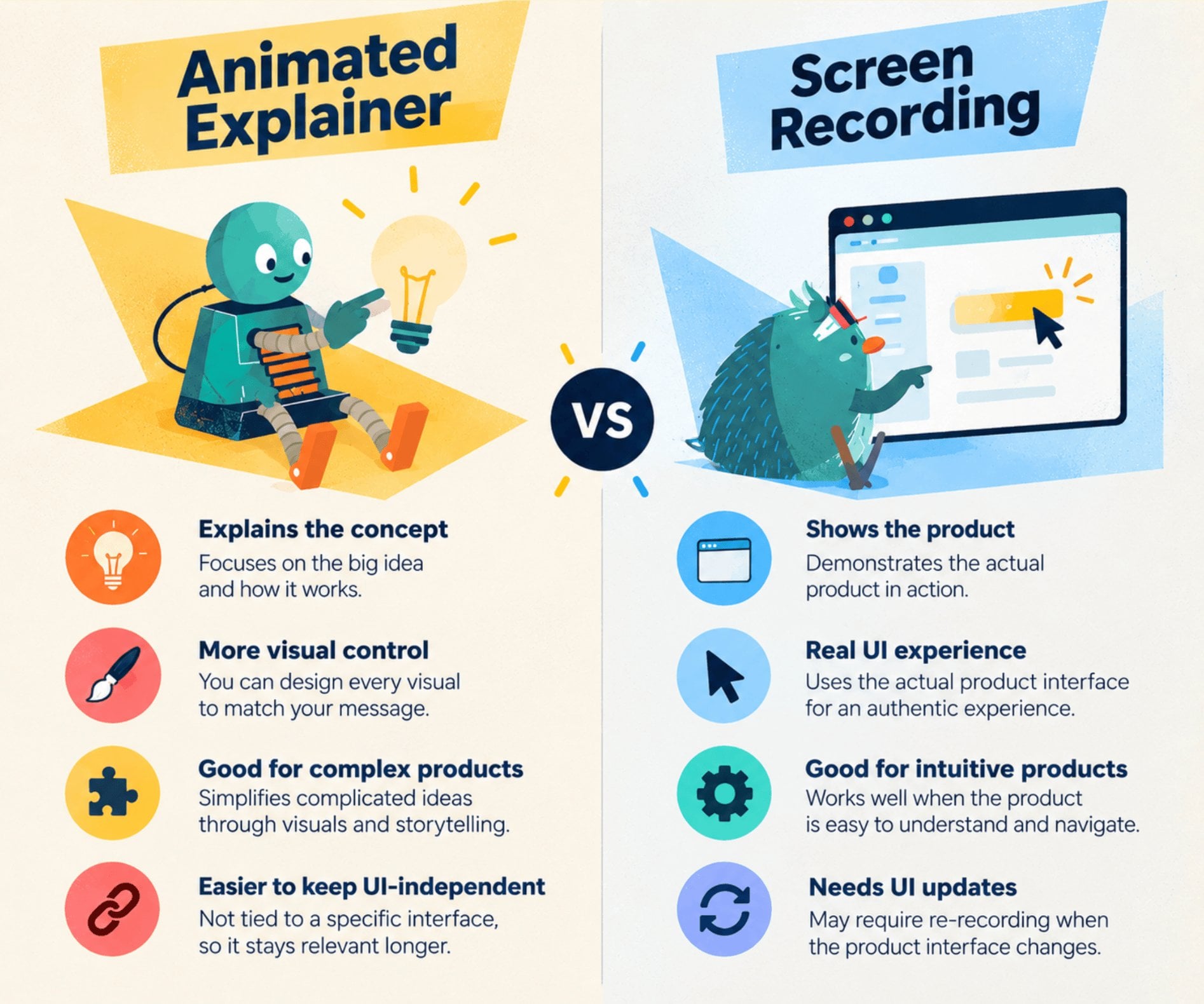
At a basic level, the difference comes down to what you’re showing and how you explain it. An animated explainer simplifies your product through custom visuals and storytelling, while a screen recording shows the product itself in action. The key difference is how each format helps your audience understand the product.
An animated explainer can break down a complex product, problem, or workflow without relying on the actual interface.
I often find this useful when the product needs more context before viewers see the features.
A screen recording, on the other hand, gives viewers a direct look at the product.
It can walk them through a dashboard, feature, or workflow so they know what to expect when they start using it.
Neither format is automatically better.
Animated explainers offer more creative and visual control, while screen recordings provide a direct look at the actual product.
The right choice depends on what your audience needs to understand before taking the next step.
When Does an Animated Explainer Make More Sense?
A SaaS explainer video makes more sense when your SaaS product needs context, storytelling, or tighter control over what viewers see. It is especially useful when the interface alone cannot communicate the full value of your product.
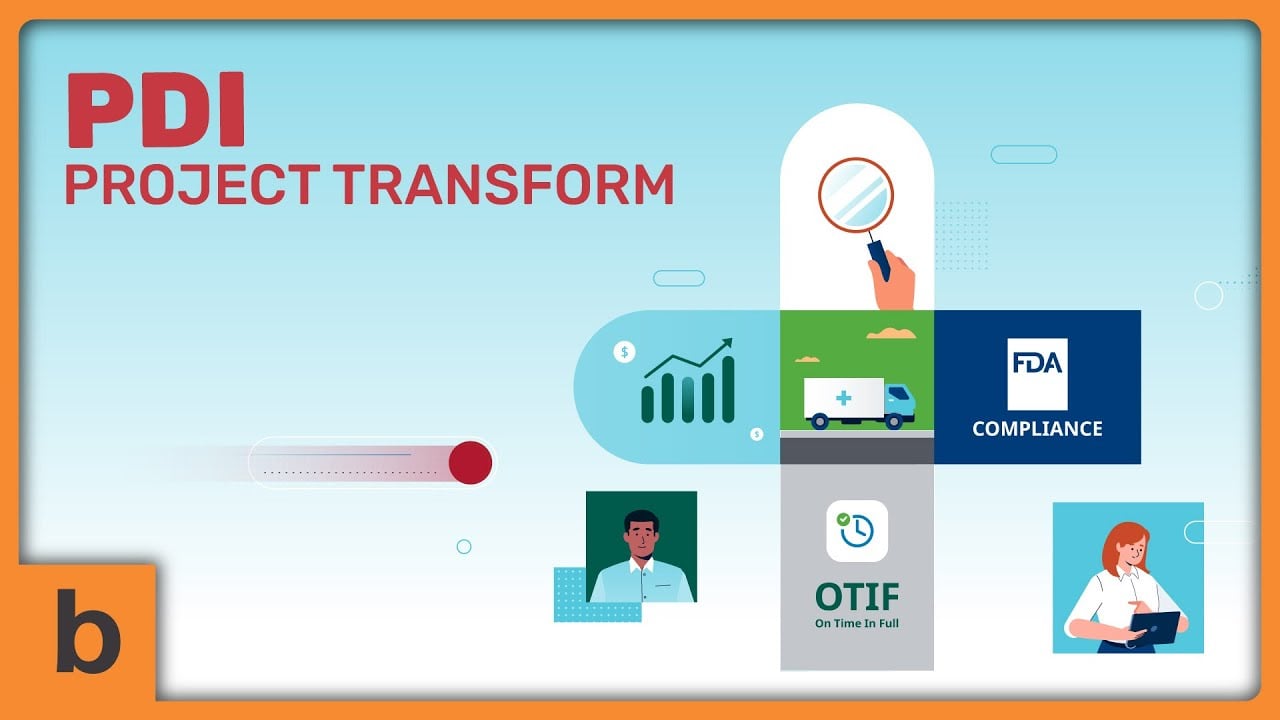
For example, this animated explainer shows how a SaaS product works without relying on a live product demo. The animation lets us simplify the workflow and guide viewers through the value step by step.
Your Product Is Complex
If users need to understand the problem and concept before seeing the features, animation can provide that context first.
You can visually break down complicated workflows or ideas into simpler steps without overwhelming viewers with the interface.
The Value Proposition Matters More Than the Interface
Some SaaS products sell more than a dashboard—maybe an idea, workflow, or outcome.
Animation lets you focus on that bigger picture and show how the product solves a specific problem rather than simply showing where the features are located.
Your UI Changes Frequently
Because the video isn’t built around the actual interface, an animated explainer can remain relevant even as your product evolves.
You can explain the core value of the product without having to update the video every time a button, layout, or screen changes.
You Need More Control Over the Visuals
Animation gives you control over what appears on screen, which can be useful when explaining sensitive, technical, or regulated products.
You can decide exactly which information to show while avoiding real customer data or internal product details.
Another important thing is choosing the right animation style for your SaaS video.
When Does a Screen Recording Make More Sense?
A screen recording makes more sense when showing the actual product experience is the clearest way to demonstrate its value. It works particularly well when the interface is intuitive and users need to see exactly how the product works.
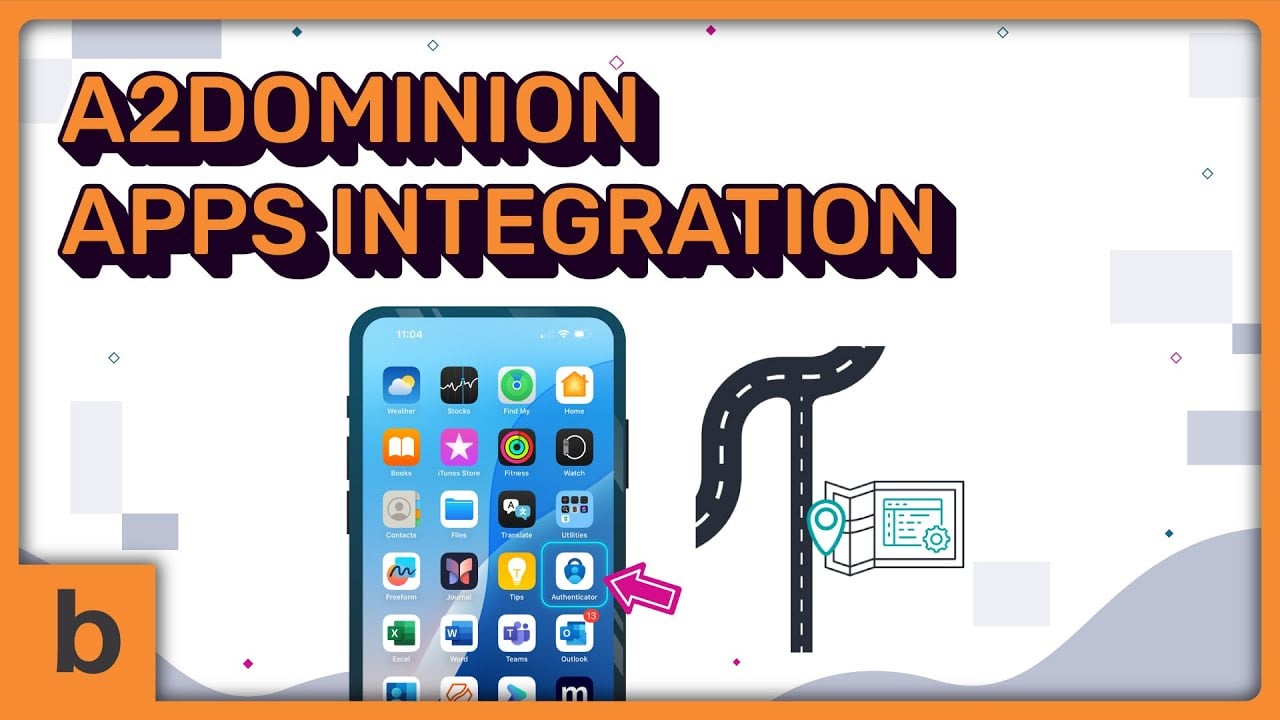
In this example, screen recordings are used to give viewers a closer look at the product in use. They can see the actual interface and how different features work in a real product environment.
Your Product Is Easy to Understand Visually
If the interface is straightforward, showing it in action may be more effective than explaining it through animation.
Viewers can quickly see how the product looks and how they would interact with it themselves.
Your UI Is a Selling Point
A polished, intuitive interface can help build confidence before someone starts a free trial. Showing the actual product also gives potential users a clearer idea of what they can expect after signing up.
This makes screen recording a natural choice when your UI is part of what you’re selling. You can show the actual interface, demonstrate how the product works, and give prospects a realistic preview of the experience.
This also matters once users sign up. Userpilot’s 2025 benchmark of 547 SaaS companies found that the average activation rate was just 37.5%, meaning many users never reached the point where they experienced the product’s core value.
If your SaaS product’s UI is a selling point, I’d lean toward screen recording for product onboarding and feature demonstrations.
You Need to Demonstrate a Specific Feature
Screen recordings are ideal for showing a workflow, feature, or task step by step.
Instead of describing how something works, you can let viewers see the process from start to finish.
Users Need to Know What to Expect
Seeing the actual product can reduce uncertainty by giving potential users a preview of their free trial experience.
This can be particularly useful when users want to understand the interface before committing time to setting up an account.
How Should SaaS Companies Choose Between the Two?
For SaaS companies, I’d keep the decision simple. Start with the job the video needs to do, then consider where and how it will be used.
- Choose an animated explainer if your product is complex, concept-driven, or needs careful control over what appears on screen.
- Choose a screen recording if your interface is intuitive and showing the actual product is the fastest way to build understanding.
- Consider both if you need to explain the product’s value first and demonstrate its features afterward.
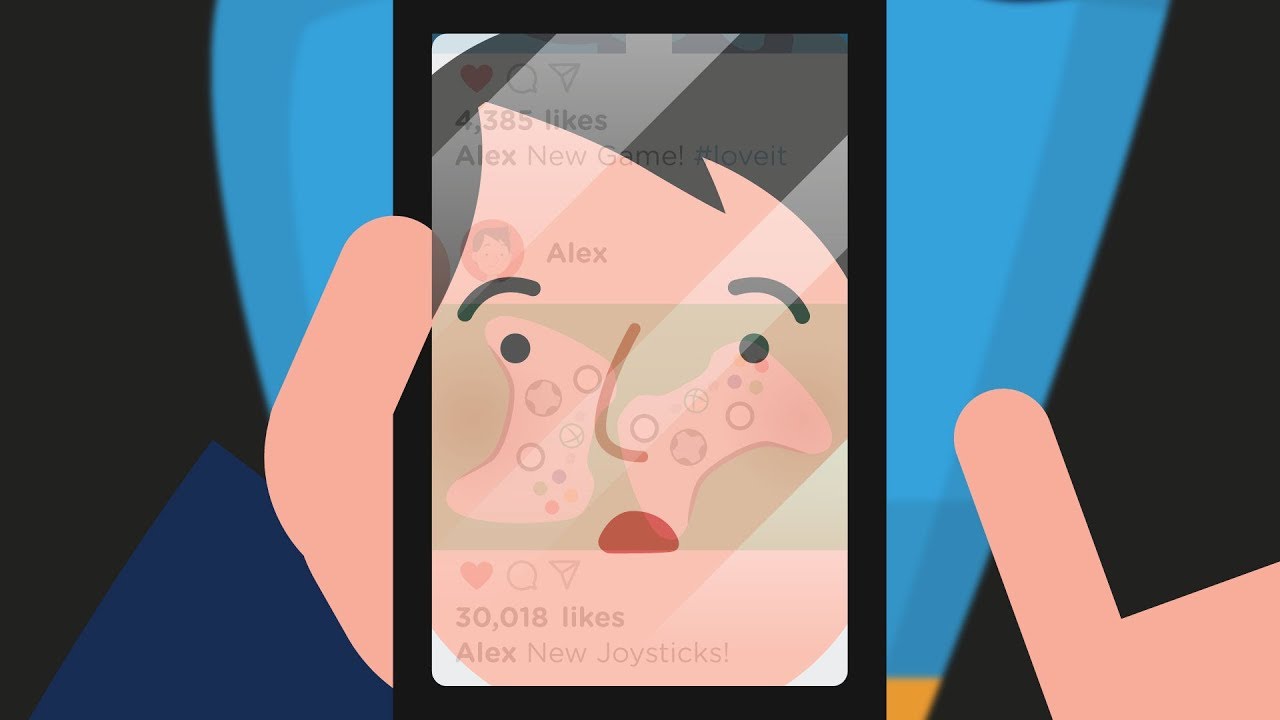
Here’s an example of our SaaS video that combines screen recording and animation.
Also consider compliance, UI changes, and where the video sits in your free trial journey. A homepage explainer may have a different job from a feature demo shown after someone signs up.
How Do Compliance and Regulations Affect Your Video Choice?
Compliance can influence what you show in a SaaS product video, especially when the product handles sensitive or regulated information. In these cases, an animated explainer may be the safer and more flexible option because it gives you greater control over what appears on screen.
Screen recordings can unintentionally expose:
- Customer or employee data
- Internal dashboards
- Financial or health information
- Security-related details
An animated explainer gives you more control because you don’t need to show the actual interface or real data.
However, animation doesn’t automatically make a video compliant. Claims, messaging, and visual representations may still need to be reviewed based on your industry and applicable regulations.
Screen recordings can still work, too. Using dummy data, sanitized accounts, and carefully selected screens can help reduce privacy and security risks.
Which One Works Better for SaaS Free Trials?
There isn’t one format that automatically converts better for every SaaS product. The better choice depends on what viewers need to understand before clicking “Start Free Trial.”
Free trials are a particularly important part of the SaaS buying journey. ChartMogul’s 2026 analysis of 200 B2B software products found that 57% use a free trial as their primary landing point for new customers, more than twice the share using freemium.
- Animated explainer: helps answer, “Why does this product matter?”
- Screen recording: helps answer, “How does this product work?”
For example, a complex SaaS product may need an animated explainer to communicate its value before showing the interface.
A straightforward product may benefit more from a screen recording that lets users see the experience for themselves.
Conversion can also depend on the video’s placement, CTA, audience familiarity, product complexity, and where the viewer is in the buyer journey.
Animated Explainer vs. Screen Recording: Which Should You Choose?
When comparing animated explainer vs. screen recording, the right choice comes down to what your audience needs to understand before taking action.
Consider your product complexity, UI stability, compliance requirements, and the role of the video in the free trial journey. An animated explainer can provide context and control, while a screen recording can show the actual product experience.
Sometimes, the most effective approach isn’t choosing one format. You can use an animated explainer to communicate the value of your SaaS product and a screen recording to demonstrate how it works.
As I’ve seen with SaaS video projects, the format works best when it matches the question your audience is asking at that stage of the journey.
If you need help choosing the right video format or creating a SaaS explainer video, Breadnbeyond can help you turn complex products and workflows into clear, engaging videos for your audience.
FAQs About Animated Explainer vs. Screen Recording
- What is the main difference between an animated explainer and a screen recording?
An animated explainer uses custom visuals and storytelling to explain a product, problem, or workflow. A screen recording shows the actual SaaS interface in action. The main difference is whether you need to explain the product concept or demonstrate the product experience.
- Is an animated explainer better for complex SaaS products?
It can be useful when a SaaS product requires more context before users can understand its features. Animation allows you to explain the problem, workflow, or value proposition without relying on the actual interface.
- When should SaaS companies use a screen recording?
A screen recording can make sense when the interface is intuitive and seeing the actual product helps users understand its value. It is particularly useful for feature demonstrations, product walkthroughs, and showing what users can expect during a free trial.
- Can screen recordings create compliance or privacy risks?
They can if the recording exposes customer data, internal dashboards, financial or health information, or security-related details. SaaS teams can reduce these risks by using dummy data, sanitized accounts, and carefully selected screens.
- Can SaaS companies use both an animated explainer and a screen recording?
Yes. Using both formats can help address different questions throughout the customer journey. An animated explainer can introduce the product and communicate its value, while a screen recording can demonstrate specific features or workflows.